
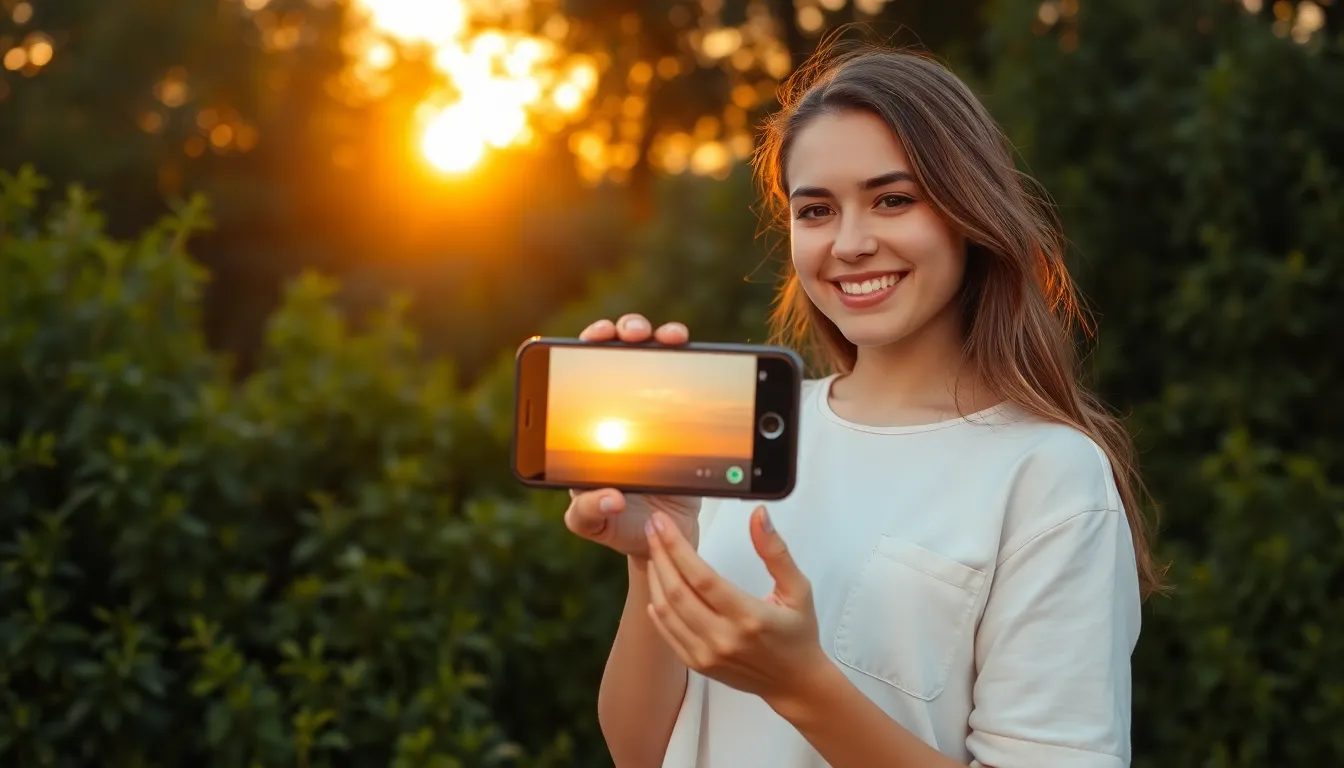
In a world where everyone’s a photographer, it’s time to stand out from the crowd. The iPhone 13 isn’t just a fancy phone; it’s a powerful camera that can turn ordinary moments into stunning masterpieces. Imagine capturing that perfect sunset or your best friend’s hilarious face during a candid moment, all with a device that fits right in your pocket.
Understanding the iPhone 13 Camera Features
The iPhone 13’s camera system offers powerful features for capturing stunning images. With its advanced technology, users can take full advantage of their photography skills using this portable device.
Camera Specifications
The iPhone 13 features a dual-camera system. The 12 MP ultra-wide lens captures expansive scenes, while the 12 MP wide lens excels in low light. Additionally, optical image stabilization enhances image clarity, reducing blurriness caused by shaky hands. Photographers benefit from a night mode that automatically adjusts exposure, ensuring brighter and clearer images in dark environments. Sensor-shift optical image stabilization optimizes performance further by allowing better compensation for movement.
Camera Modes
Various camera modes enhance photography versatility. Portrait mode creates a depth-of-field effect, blurring backgrounds for a professional look. Night mode takes stunning photos in low-light settings, capturing details others might miss. The photo styles feature allows customization of the look and feel of images with distinct tones and color enhancements. Cinematic mode enables shooting videos with a focus on depth, mimicking the look of high-budget films. Each mode offers distinct advantages, making the iPhone 13 a comprehensive tool for all photography needs.
Essential Photography Techniques
Effective photography techniques can enhance the quality of images taken with the iPhone 13. Understanding composition and lighting plays a vital role in capturing stunning photos.
Composition Tips
Focus on framing subjects using the rule of thirds. This guideline divides the image into nine equal sections, creating focal points at the intersections. Additionally, consider leading lines, which direct the viewer’s eye toward the main subject. Experiment with angles to add depth; shooting from different perspectives can reveal unique aspects of the scene. Avoid clutter in the background to maintain a clean image. Lastly, ensure the horizon is straight in landscape shots for a balanced look.
Lighting Considerations
Natural light enhances photo quality significantly. Early morning and late afternoon provide soft, warm light, ideal for capturing vibrant colors. If shooting indoors, position subjects near windows for optimal illumination. Using shadows creatively can add drama and dimension to images. In low-light situations, activate Night mode on the iPhone 13 to brighten scenes without sacrificing detail. Always check the exposure before taking the shot to achieve the desired brightness.
Editing Photos on iPhone 13
Editing photos on the iPhone 13 significantly enhances image quality. Various apps and techniques exist to achieve professional results.
Recommended Editing Apps
Numerous apps make editing simple and effective. Adobe Lightroom offers advanced tools for color correction and adjustments. Snapseed provides a user-friendly interface with filters and precise editing options. VSCO combines a powerful editing suite with a community for sharing work. Pixlr includes quick fixes and fun overlays, ensuring creativity at one’s fingertips. Each app has unique features that cater to different editing styles.
Basic Editing Techniques
Basic techniques transform photos into polished images. Cropping adjusts framing while enhancing focus on subjects. Brightness and contrast settings improve image clarity and depth. Color saturation boosts vibrancy, making photos more eye-catching. Applying filters can create mood and style, but moderation is key to avoid unnatural looks. Sharpening details brings out textures, enhancing overall quality. Each technique contributes to a more professional appearance in photographs.
Accessories to Enhance Photography
Using accessories can significantly improve photography quality with the iPhone 13. Certain tools can elevate images, providing versatility and enhancing creativity.
Lenses and Tripods
Add-on lenses expand the iPhone 13’s capabilities. Wide-angle lenses capture expansive landscapes, while macro lenses allow for stunning close-ups. A quality tripod stabilizes shots, especially in low-light conditions or for long exposures. Stability enhances clarity, minimizing the risk of blurriness. Different tripods, such as flexible designs and mini tripods, cater to specific shooting needs.
Lighting Equipment
Lighting equipment plays a crucial role in photography. Softboxes and ring lights provide even illumination, enhancing portraits and product shots. Portable reflectors bounce natural light, filling shadows and improving subject visibility. For outdoor shoots, consider LED lights to manage variable lighting conditions. Utilizing these lighting tools enhances photographers’ ability to create striking, professional-looking images.
The iPhone 13 offers an impressive array of features that empower anyone to capture stunning photographs. By mastering its camera capabilities and incorporating essential photography techniques, users can elevate their images from ordinary to extraordinary.
Utilizing natural light and experimenting with composition can make a significant difference in photo quality. Additionally, the right editing tools and accessories can further enhance creativity and professionalism in photography.
With practice and a keen eye, anyone can transform their iPhone 13 into a powerful tool for capturing beautiful moments. It’s all about exploring the device’s potential and letting creativity shine through.


